Convert To
Overview
The Convert To sample demonstrates dtype conversion using CV-CUDA’s GPU-accelerated
convertto operator. It converts a uint8 image to float32 with a scale factor
of 1/255 (normalising pixel values to [0, 1]), then converts the result back to
uint8 by applying the inverse scale of 255. This round-trip is a fundamental
pre/post-processing step for deep-learning inference pipelines.
Usage
Basic Usage
Convert the default tabby cat image:
python3 convertto.py
Custom Input/Output
Specify explicit input and output paths:
python3 convertto.py -i image.jpg -o cat_convertto.jpg
Command-Line Arguments
Argument |
Short Form |
Default |
Description |
|---|---|---|---|
|
|
tabby_tiger_cat.jpg |
Input image file path |
|
|
cvcuda/.cache/cat_convertto.jpg |
Output image file path |
Implementation
Convert To Operator
# 1. Convert the uint8 image to float32, applying a scale factor.
#    scale=1/255.0 maps [0, 255] -> [0.0, 1.0] — a standard normalization step
#    used before feeding images into neural networks.
float_image: cvcuda.Tensor = cvcuda.convertto(
    src=input_image,
    dtype=np.float32,
    scale=1.0 / 255.0,
)

# 2. Convert back to uint8 by reversing the scale (multiply by 255).
#    This round-trip demonstrates that the conversion is lossless for
#    images with pixel values in the valid uint8 range.
output_image: cvcuda.Tensor = cvcuda.convertto(
    src=float_image,
    dtype=np.uint8,
    scale=255.0,
)
Key points:
dtype parameter: Pass a
numpydtype (e.g.np.float32) or acvcuda.Typeenum value — both are accepted bycvcuda.convertto.scale parameter: Each output pixel is computed as
out = src * scale + offset. Omittingscaledefaults to1.0.offset parameter: An optional additive bias applied after scaling; defaults to
0.0when omitted.Layout preservation: The output tensor always has the same layout (HWC, NHWC, CHW, NCHW) as the input tensor.
Expected Output
The output image is visually identical to the input because the uint8→float32→uint8
round-trip is lossless for pixel values in [0, 255]:

Original Input Image |
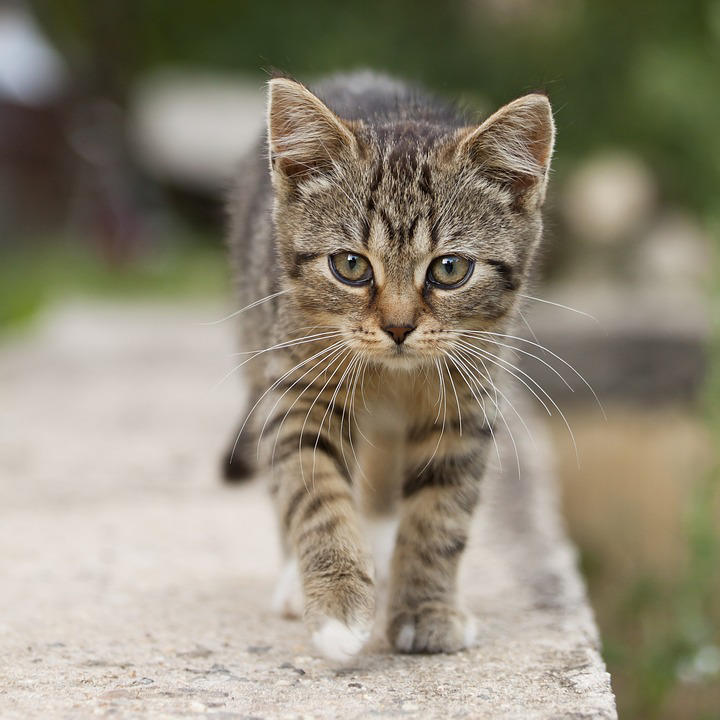
Output: uint8 round-trip via float32 |
CV-CUDA Operators Used
Operator |
Purpose |
|---|---|
Convert tensor dtype with optional scale and offset |
Common Utilities Used
read_image() - Load image as CV-CUDA tensor
write_image() - Save converted image
See Also
Resize Operator - GPU-accelerated image resizing
Common Utilities - Helper functions used by all samples